
English
Panel menu map
The panel menu map is a table of every menu name in the panel and the manual page that covers it.
The sidebar on the left of the panel has two groups. The Hub group holds fixed pages, and the Agents group holds one entry for each system that joined the hub.
Hub group
In each picture, a red box marks the menu's place in the sidebar.
| Menu | Chinese interface | Content | Manual page | Picture |
|---|---|---|---|---|
| Dashboard | 总览 | Live throughput and agent counts | Dashboard | 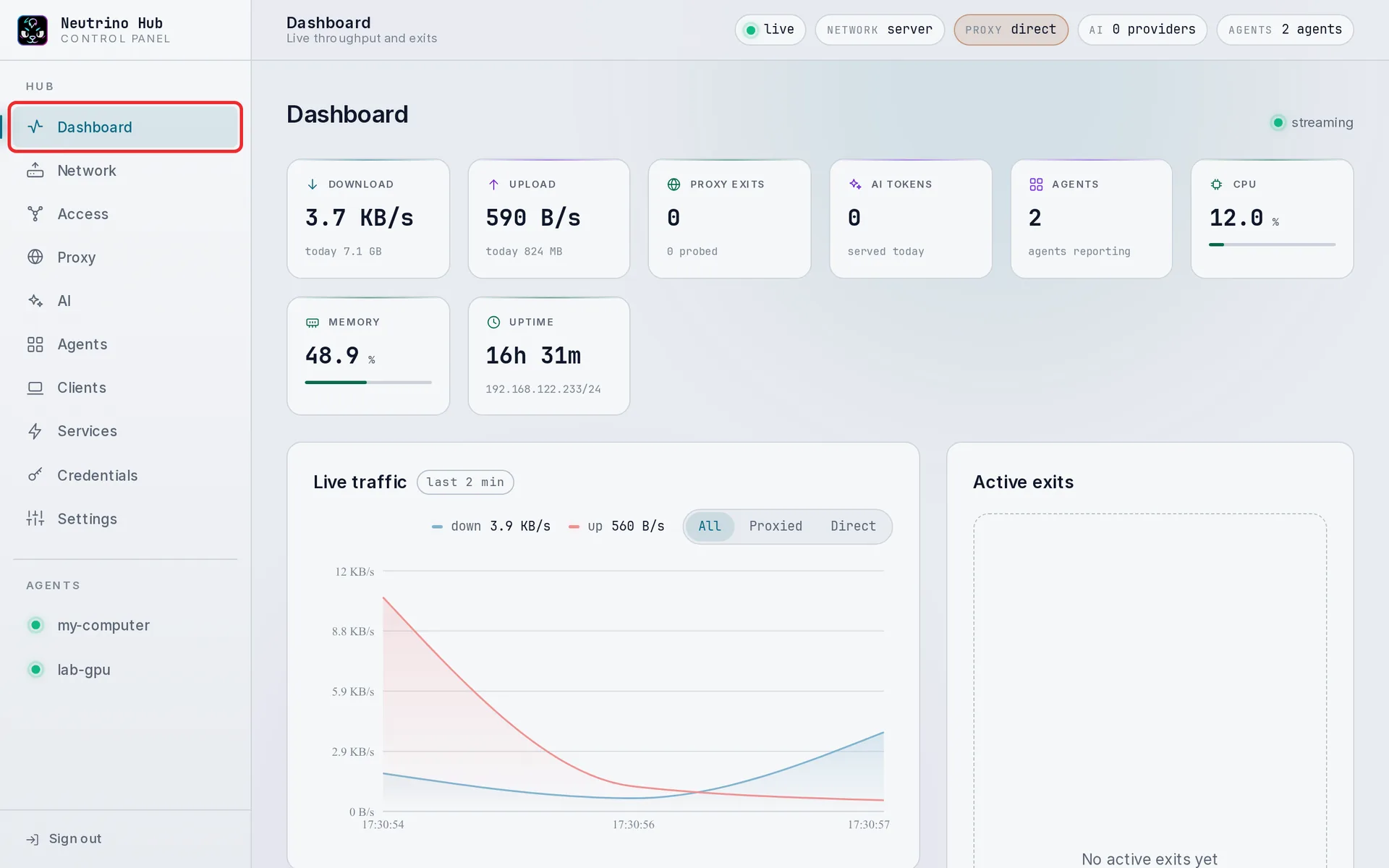 |
| Network | 网络 | Mode, exposure, panel port and connection port | Network shapes: server, router, side gateway | 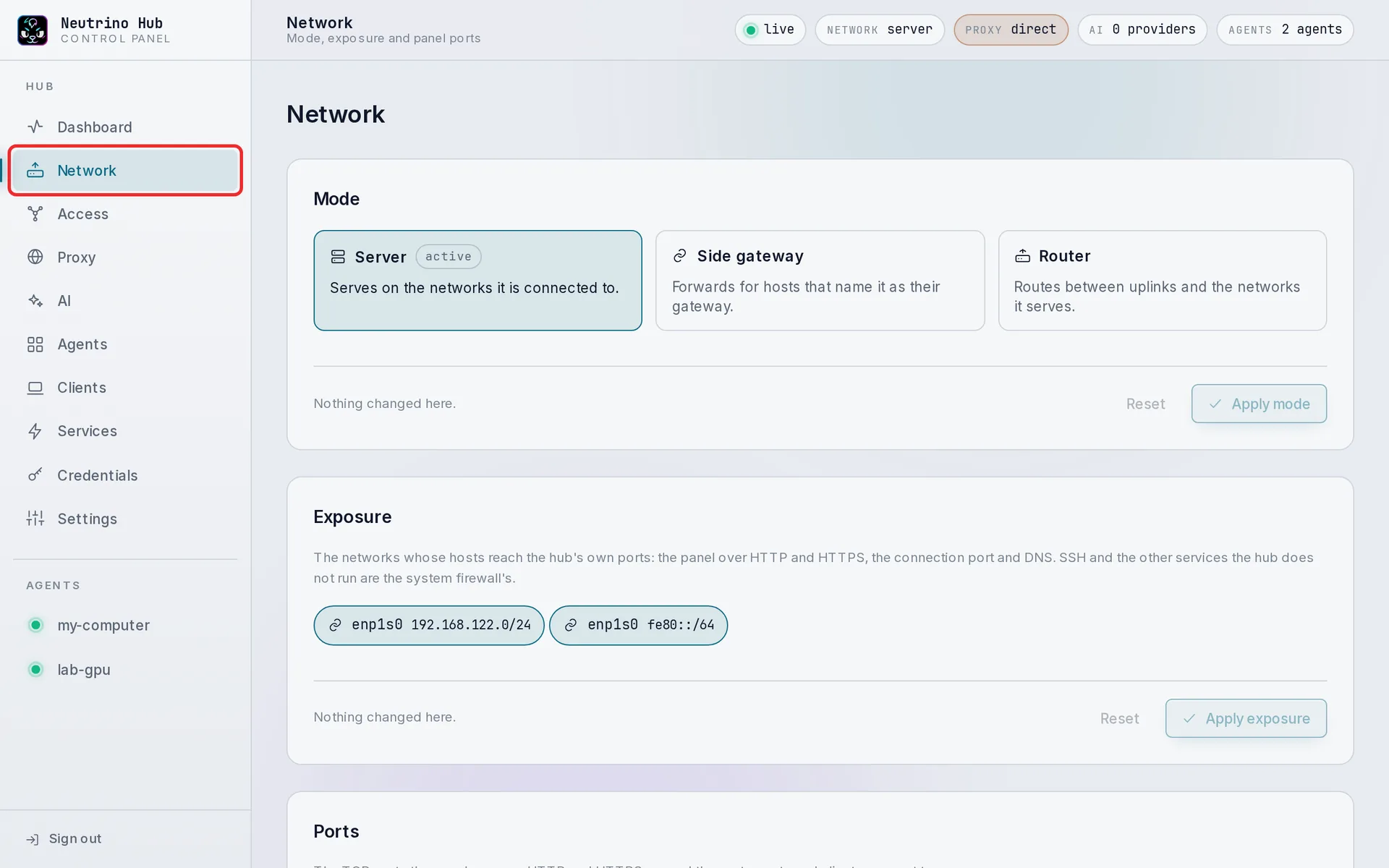 |
| Access | 外部访问 | Six cards: NetBird, EasyTier, SSH relay, Direct, SakuraFrp, OpenFrp | Access: choose a method | 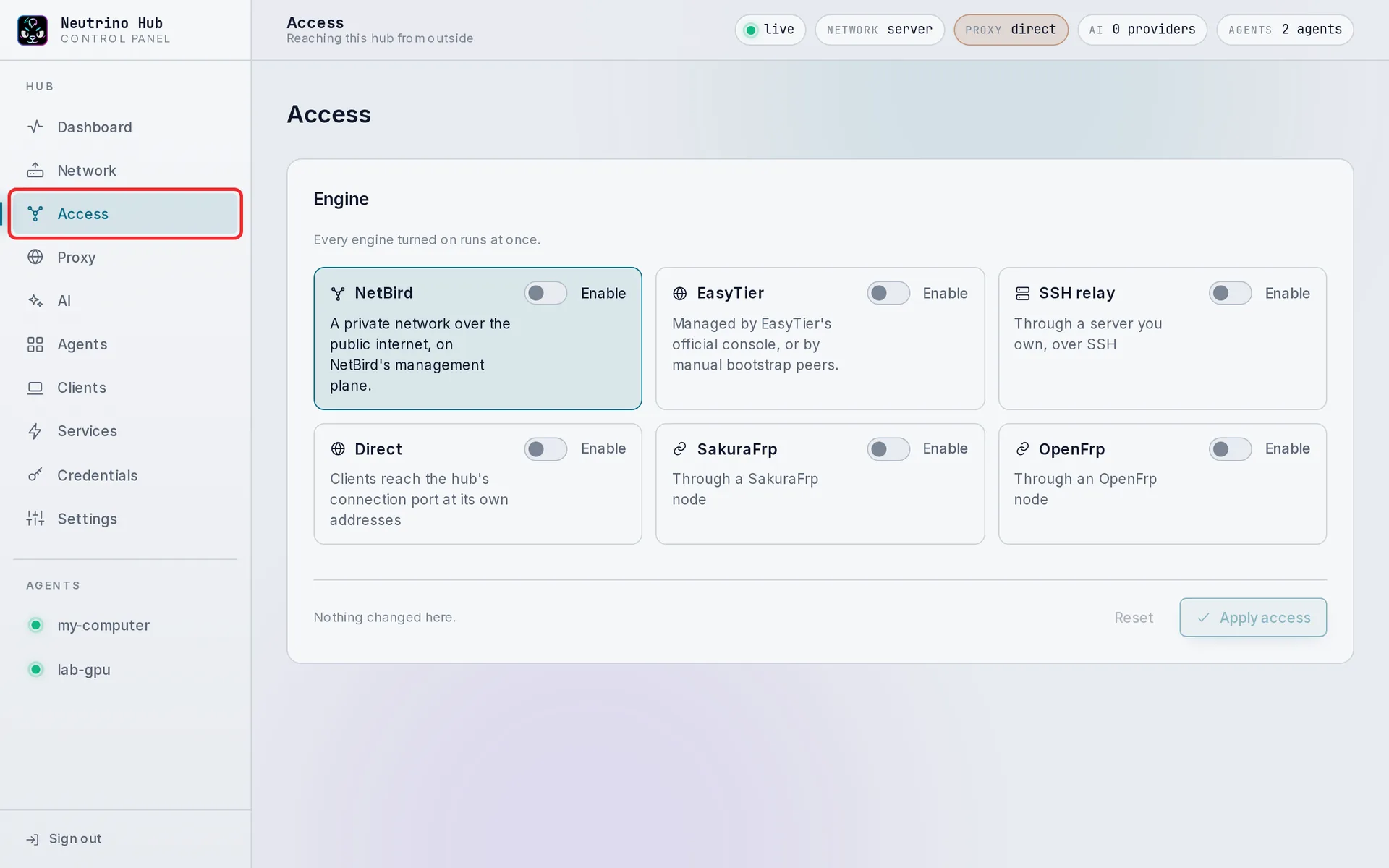 |
| Proxy | 代理 | Exits, split routing and DNS | Proxy | 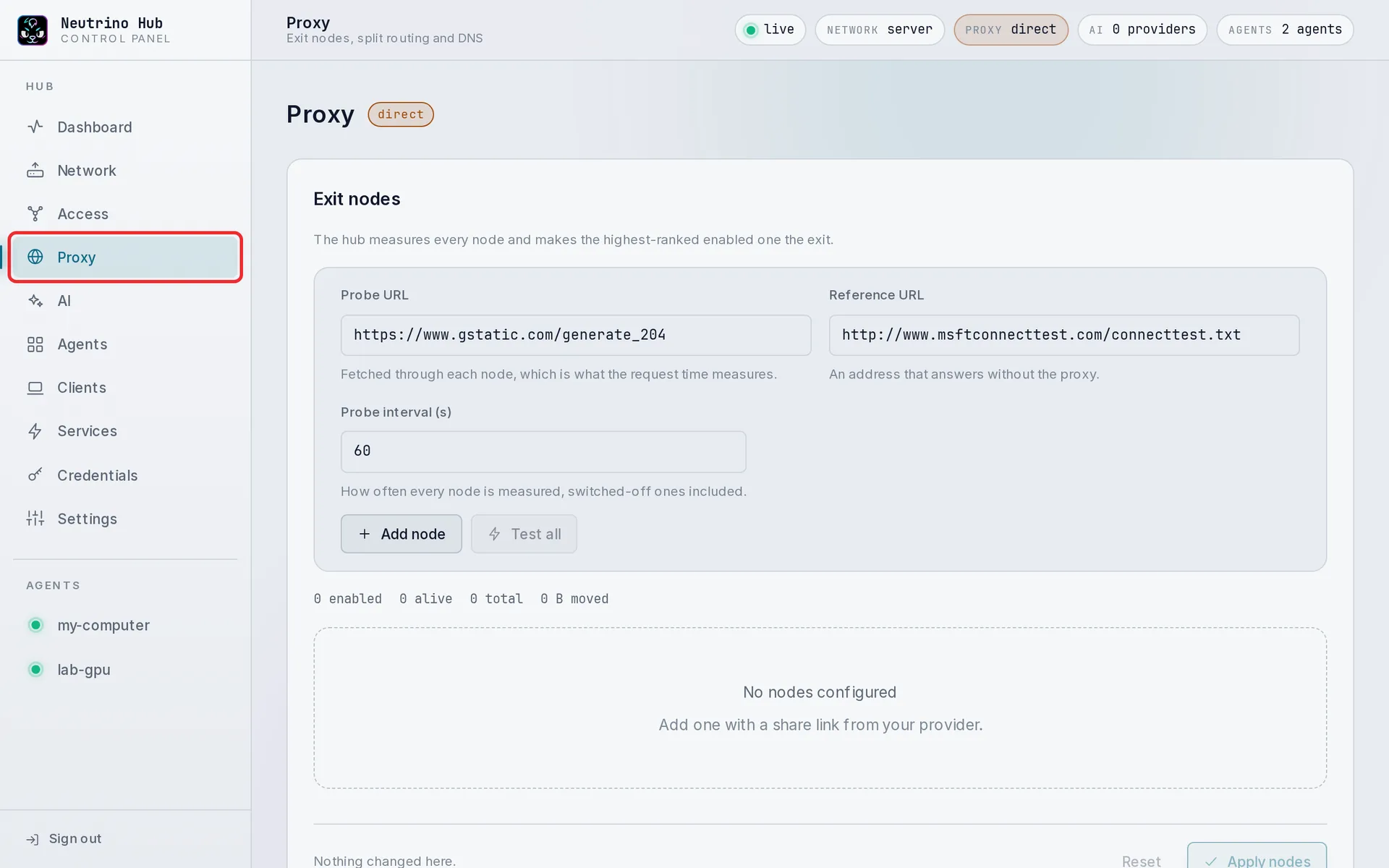 |
| AI | AI | The endpoint, providers and usage that every AI tool shares | AI gateway | 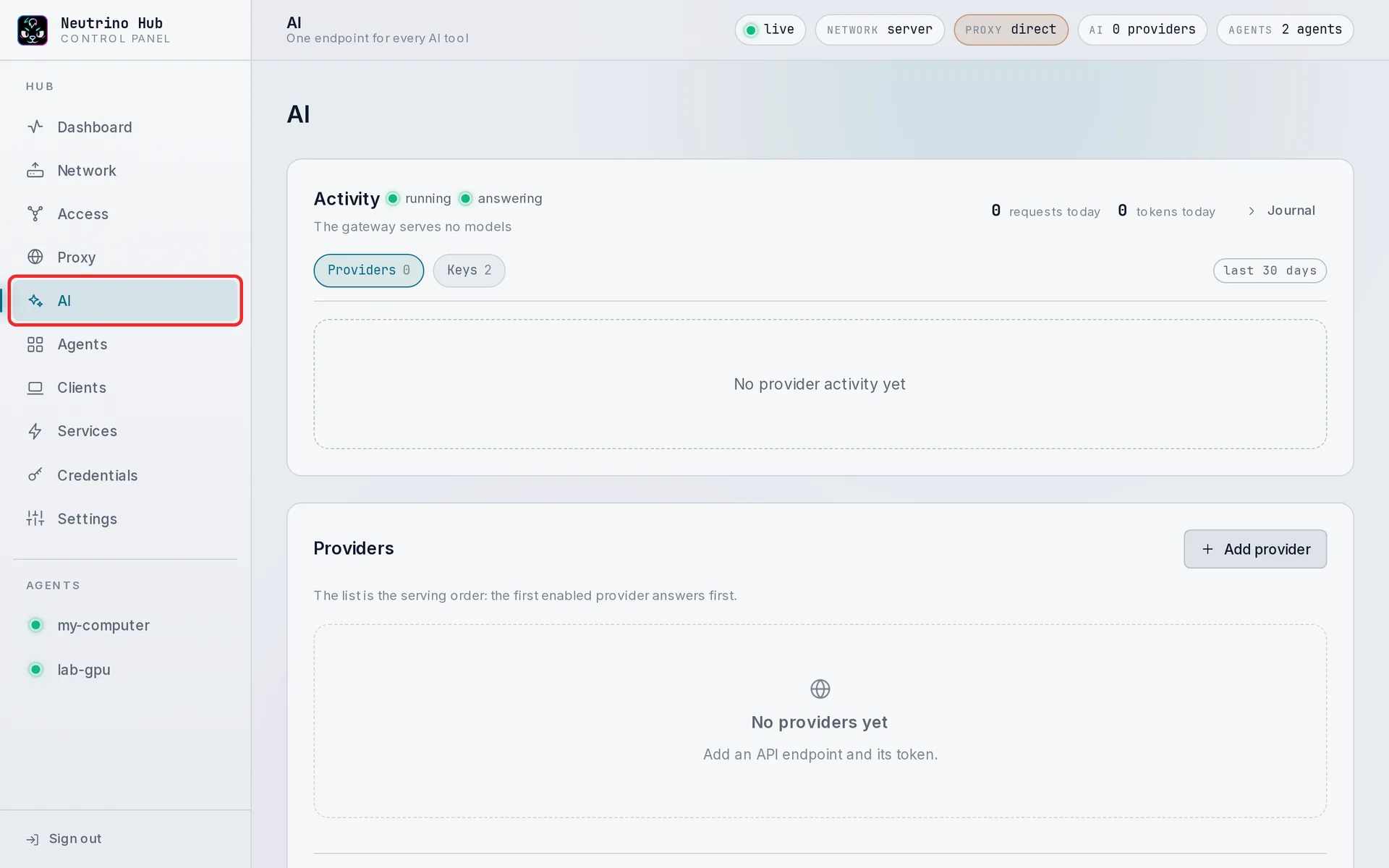 |
| Agents | 被控端 | One row per system, with Add by link and Add over SSH at the top right | Agents | 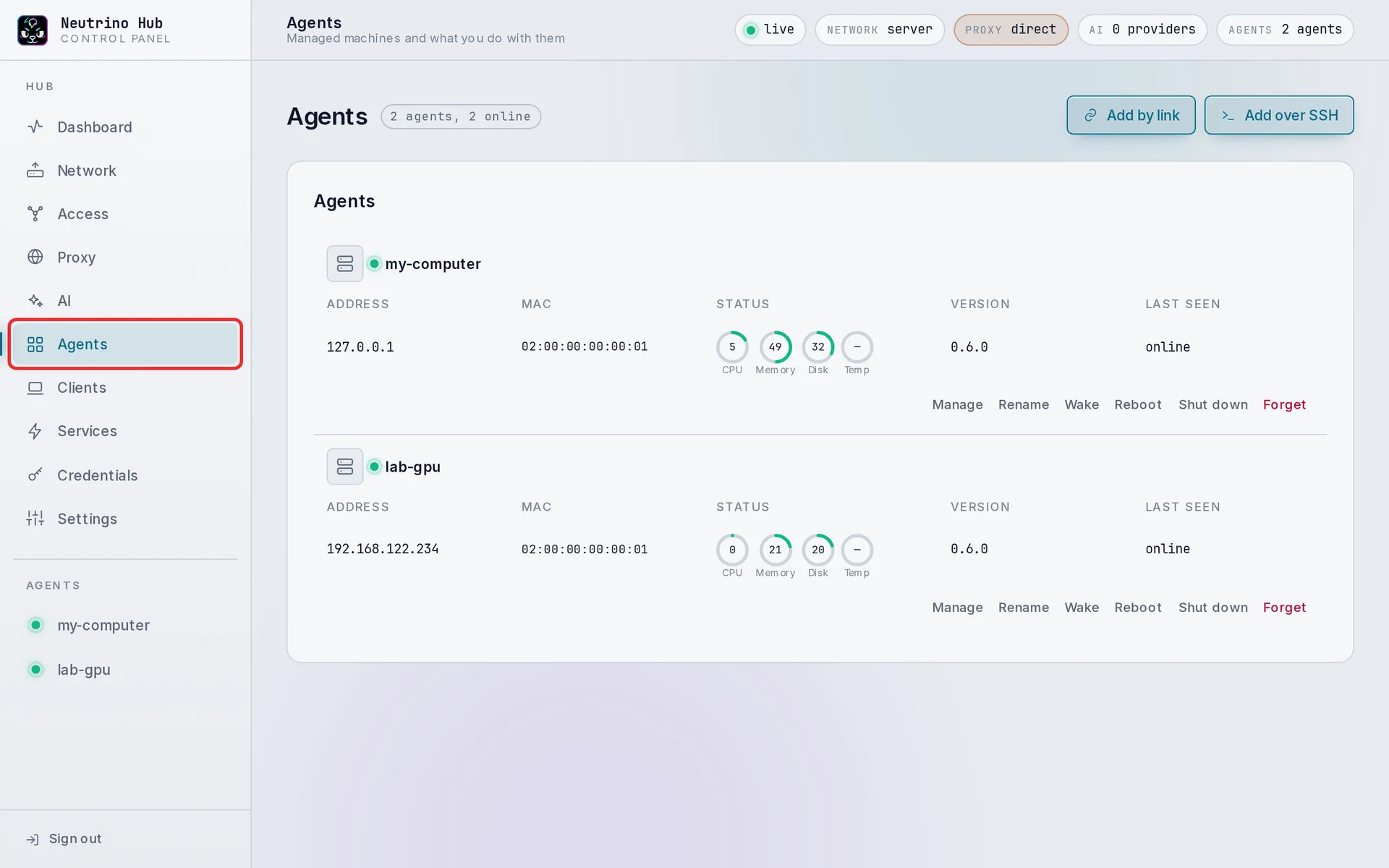 |
| Clients | 客户端 | The Clients panel at the top, and the App shares panel under it | Clients, App shares | 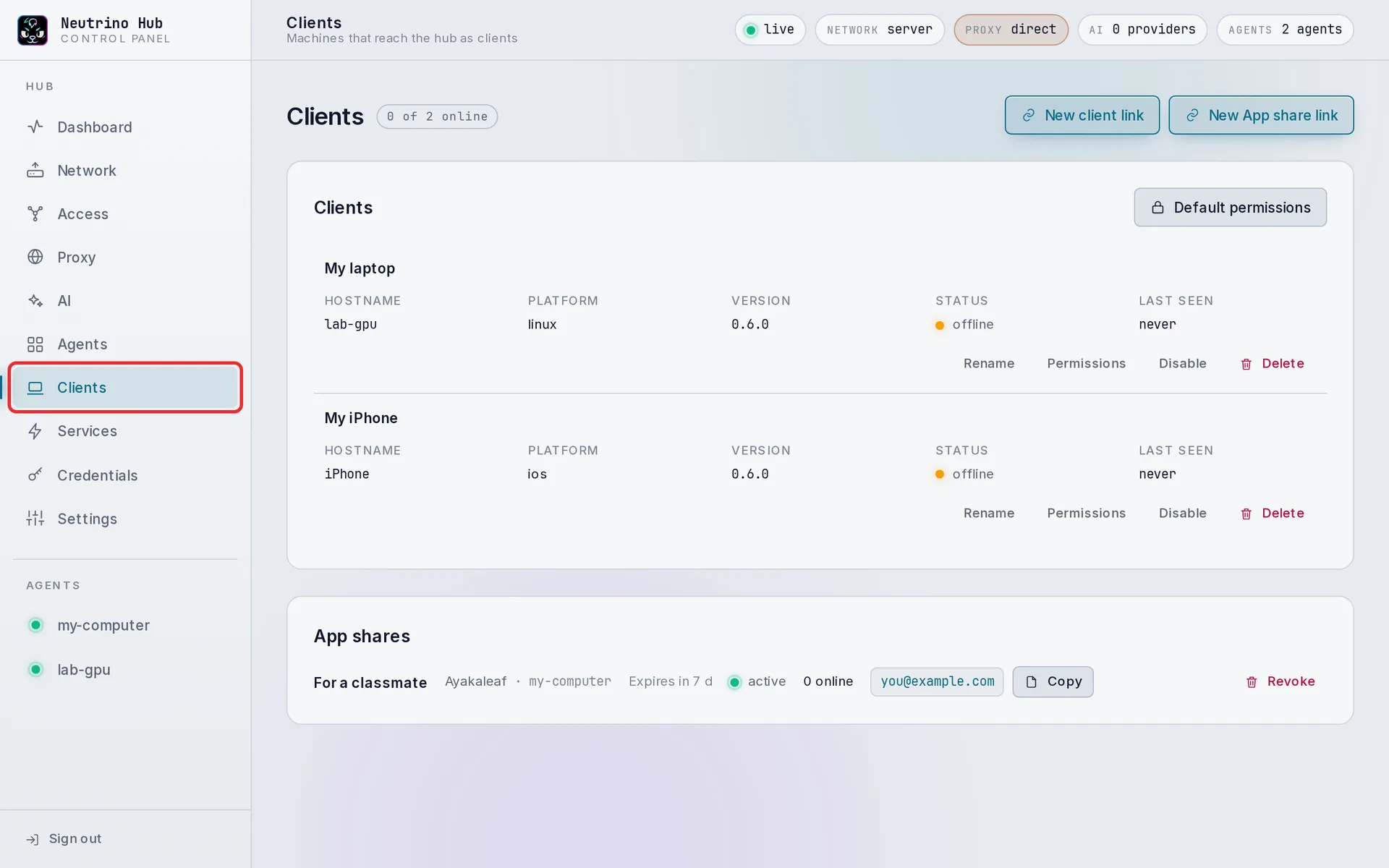 |
| Services | 服务 | Four sections, Apps, AI, Files and Remote desktops, with Declare app at the top right | Add existing services | 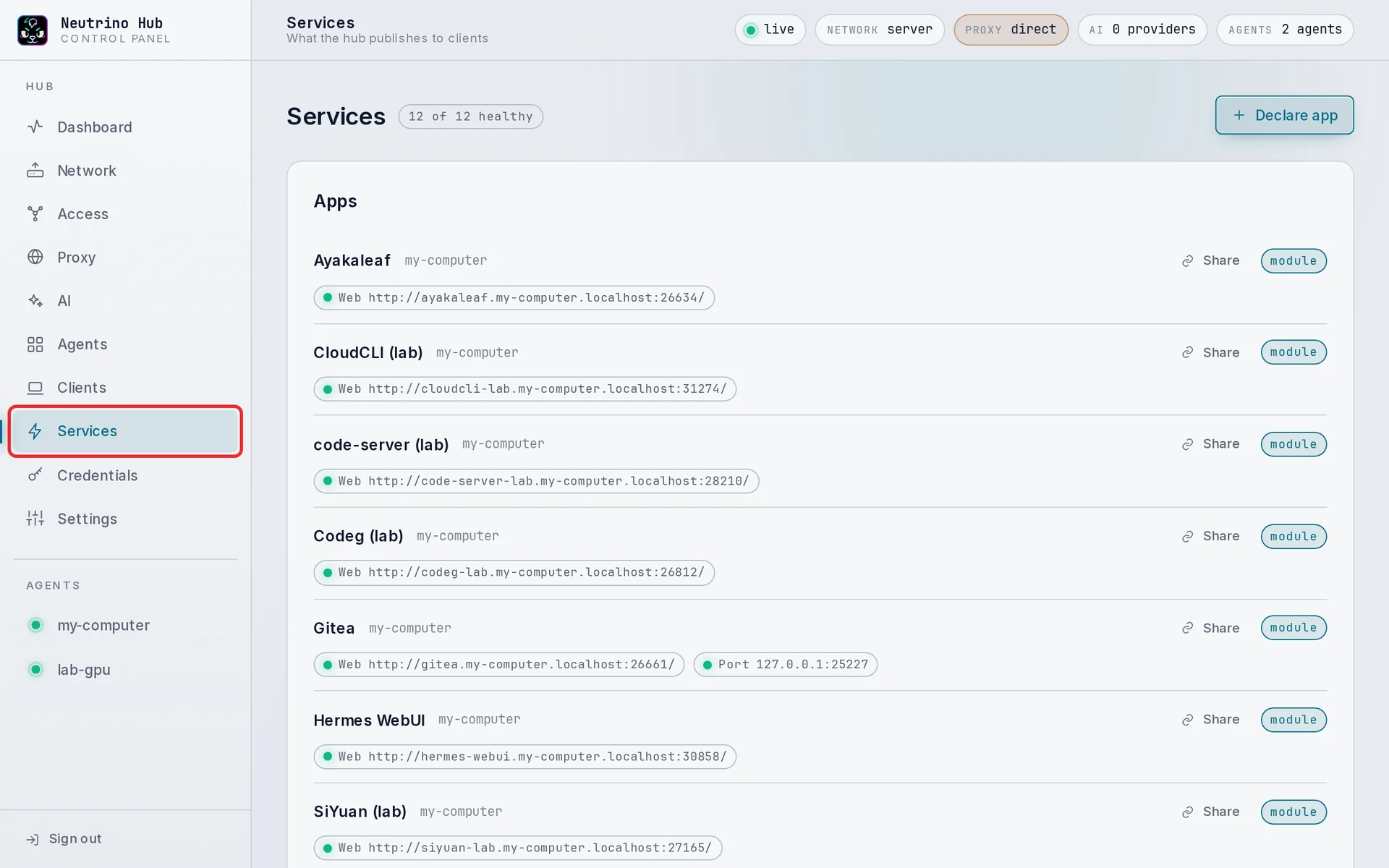 |
| Credentials | 凭据 | SSH keys, Logins, Tokens and Generated by the hub | Data and outbound connections | 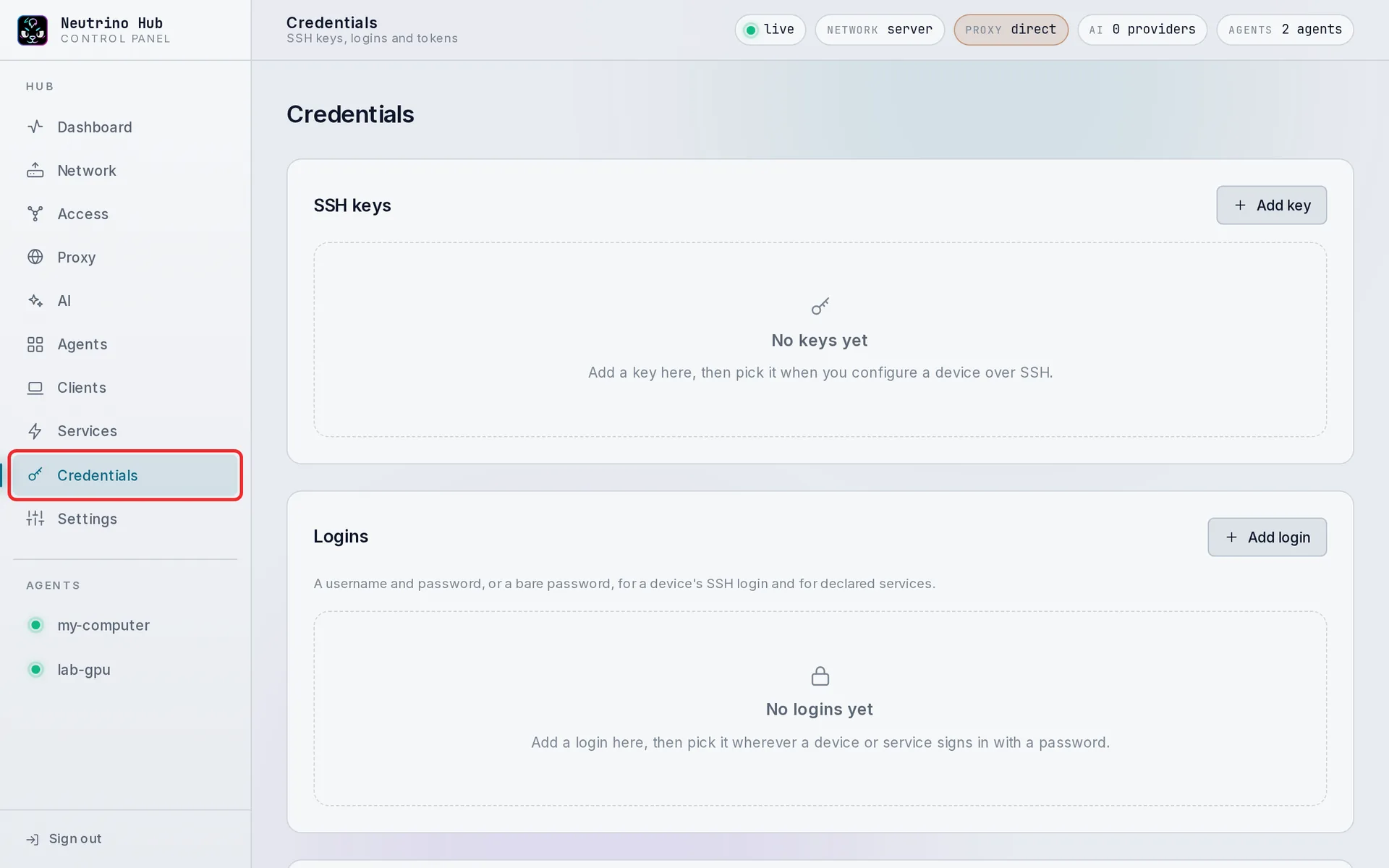 |
| Settings | 设置 | Password, backup and versions | Settings: backup, update, password | 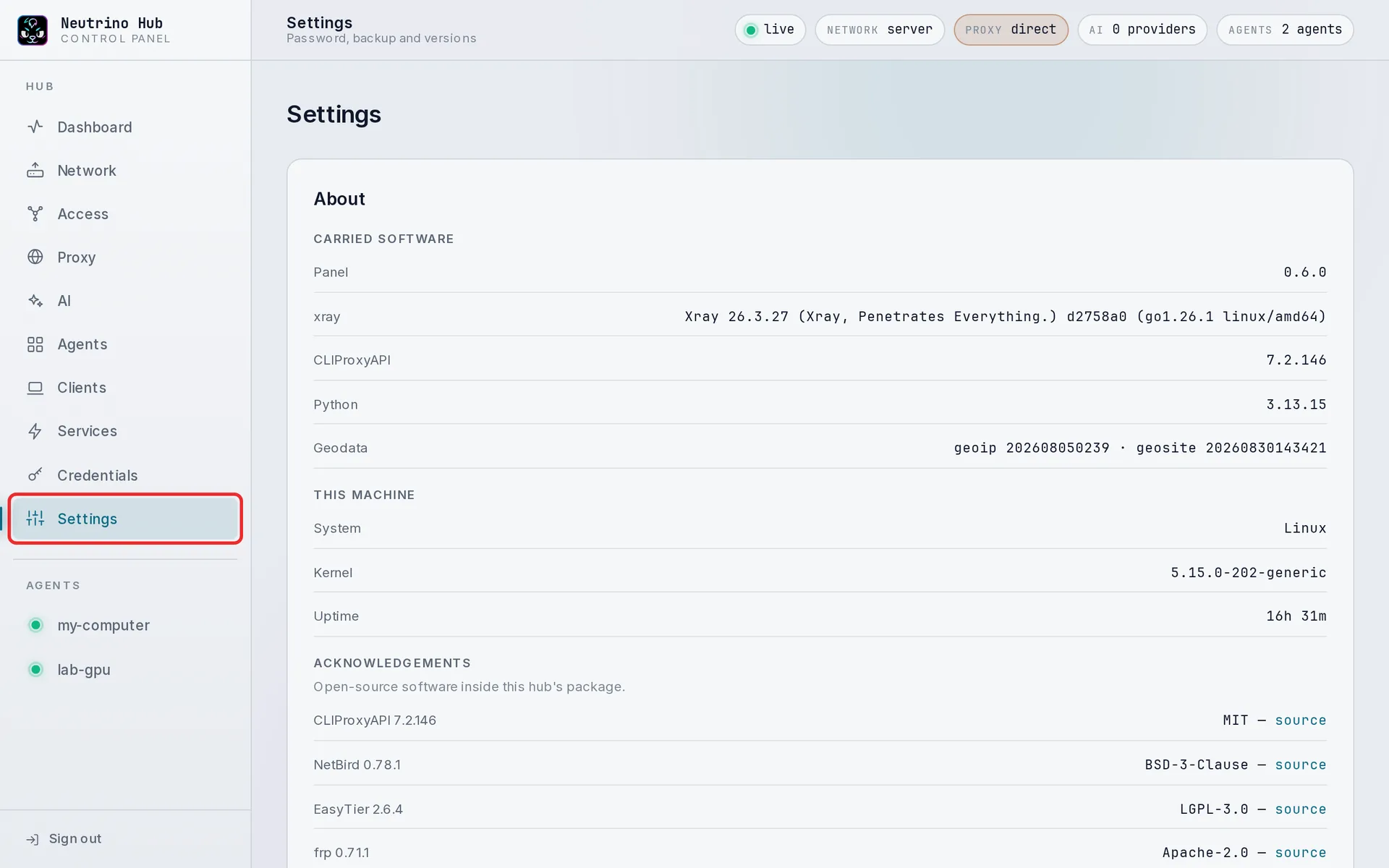 |
Agents group
Each system that joined the hub has one entry, which shows its name. Select it to open that system's page, where you install apps. The steps are in Install apps on a system.
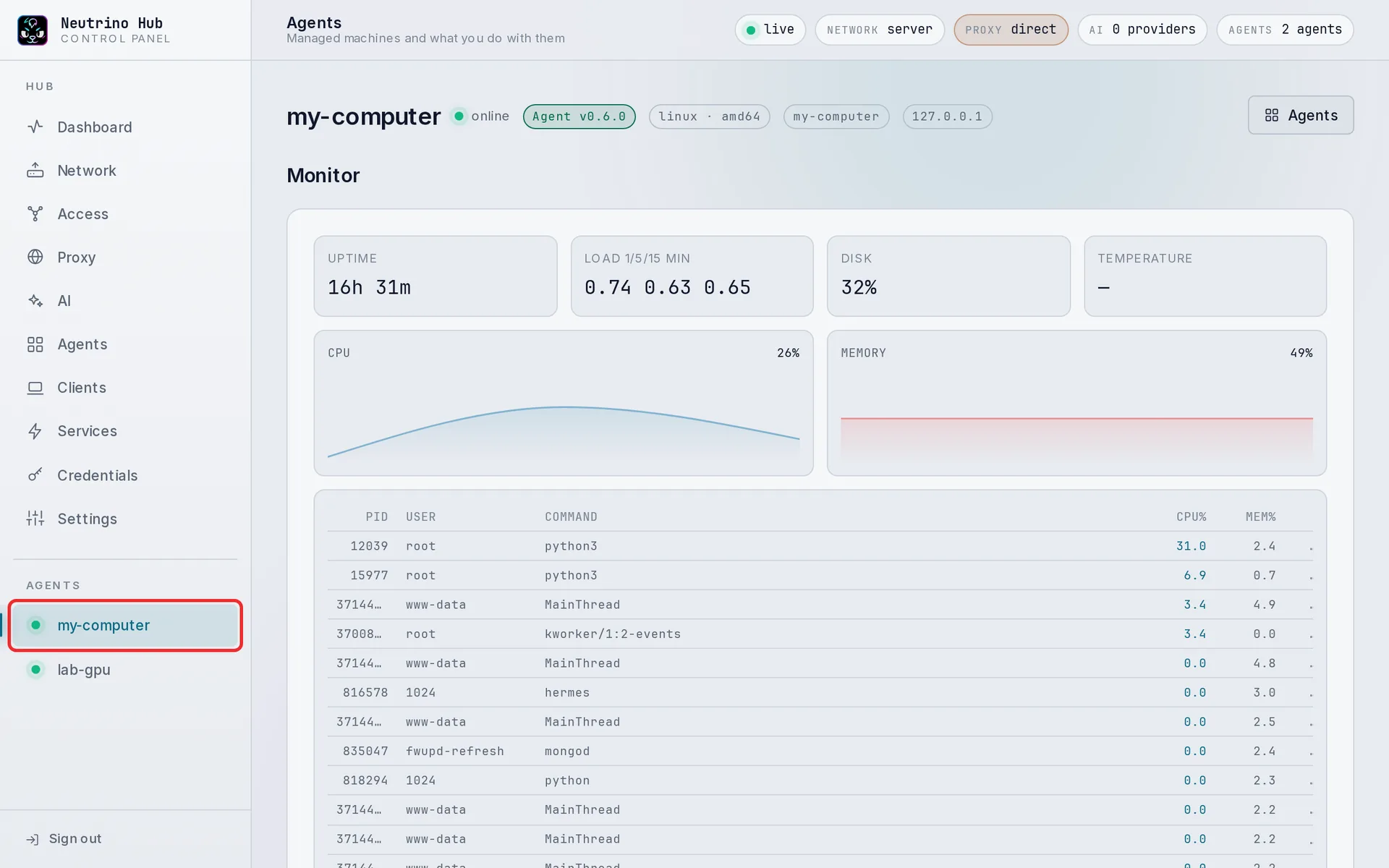
From top to bottom, the page has these parts: Monitor, Modules and The agent.
| Part | Content |
|---|---|
| Monitor | Uptime, load, disks, temperature, CPU and memory charts, and the process table |
| Modules | Available accounts and Module configuration |
| The agent | Version, Update agent and Reinstall |
Tabs in module configuration
Each row on the left of Module configuration is an app, and selecting it opens its tab. The two small tags after a tab's title show its source and kind, which App kinds explains. The tabs appear in the order of the following table:
| Tab | Manual page |
|---|---|
| Terminal | Terminal |
| SSH server | SSH |
| Remote desktop | Remote desktop |
| File share | File share |
| Gitea | Gitea |
| Ollama | Ollama |
| VS Code | VS Code |
| code-server | code-server |
| CloudCLI | CloudCLI |
| Codeg | Codeg |
| Claude Code | Claude Code |
| Codex | Codex |
| OpenCode | OpenCode |
| SiYuan | SiYuan |
| Containers | Containers |
| Hermes WebUI | Hermes WebUI |
| Ayakaleaf | Ayakaleaf |
Cards on the Access page
Each card on the Access page has its own manual page:
| Card | Manual page |
|---|---|
| NetBird | NetBird |
| EasyTier | EasyTier |
| SSH relay | SSH relay |
| Direct | Direct |
| SakuraFrp | SakuraFrp |
| OpenFrp | OpenFrp |
Narrow screens and old names
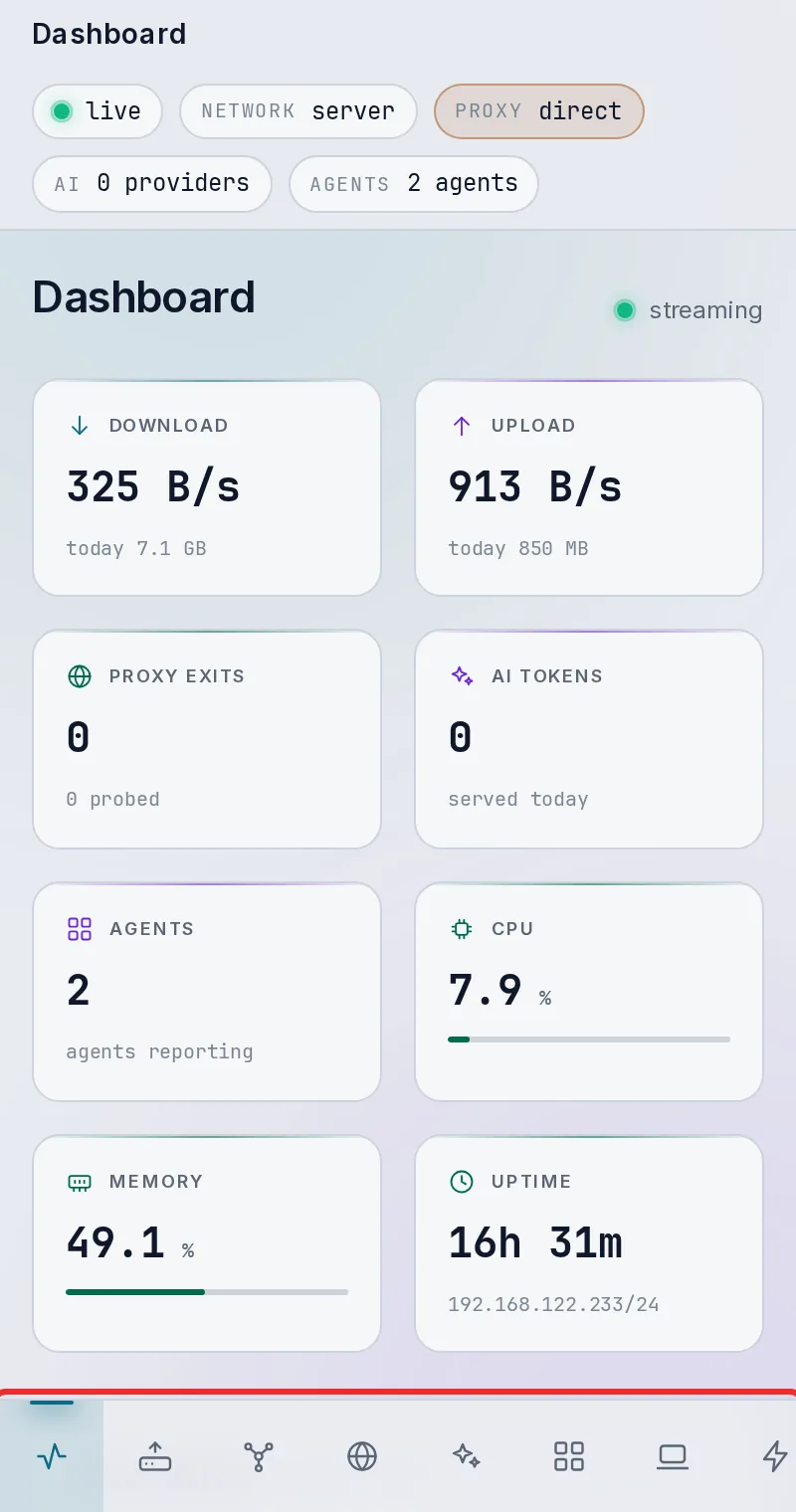
On narrow and portrait screens, such as a phone's browser, the sidebar becomes a row of icons at the bottom. The row holds only the pages of the Hub group. To open a system's page, select the Agents icon first.
For readers who used 0.5, the Devices page is now Agents. The Terminals, Files and Modules pages are removed, and their content is on each system's page.
Sign out at the bottom of the sidebar is a button that signs you out, and it opens no page.