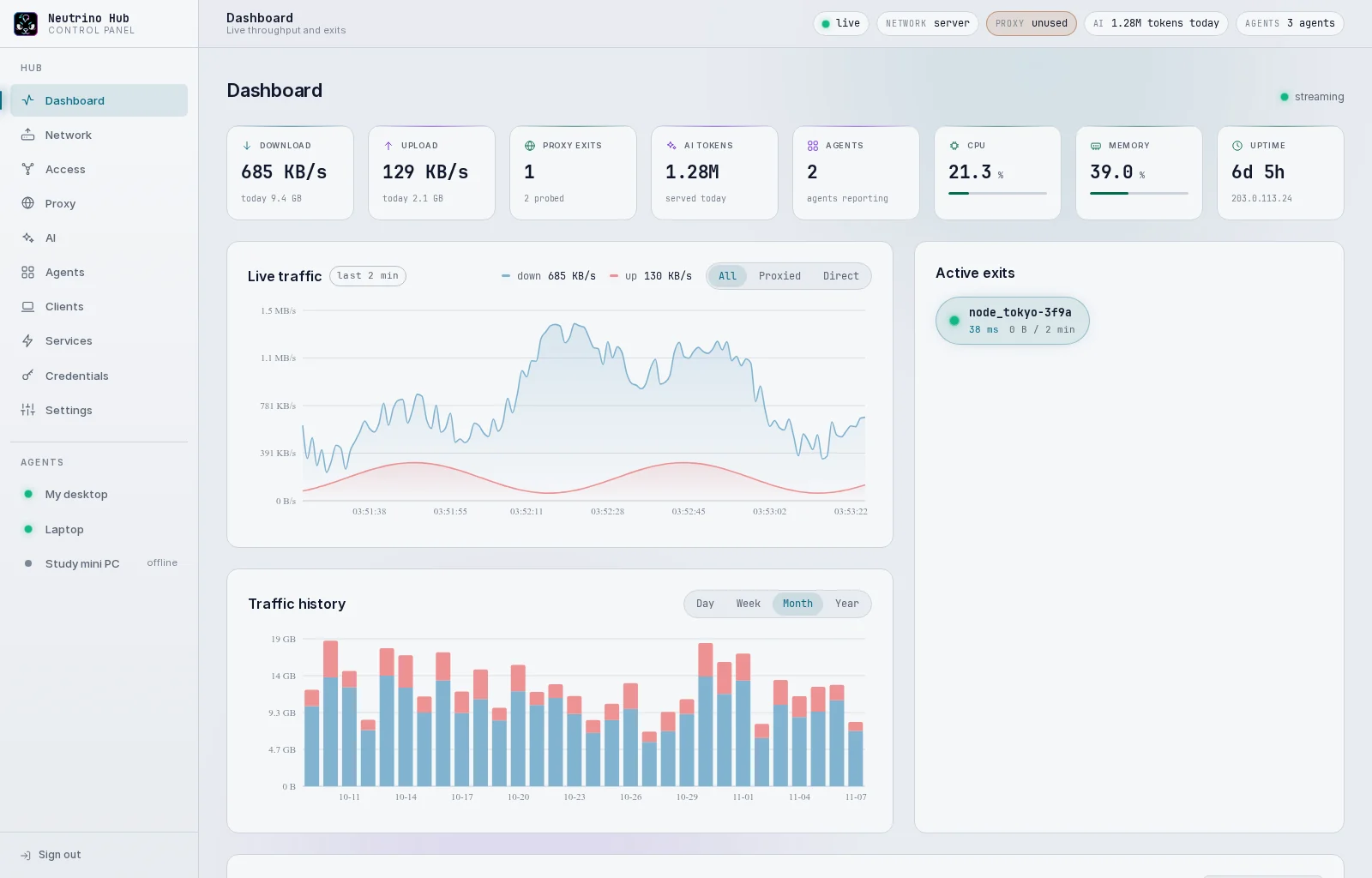
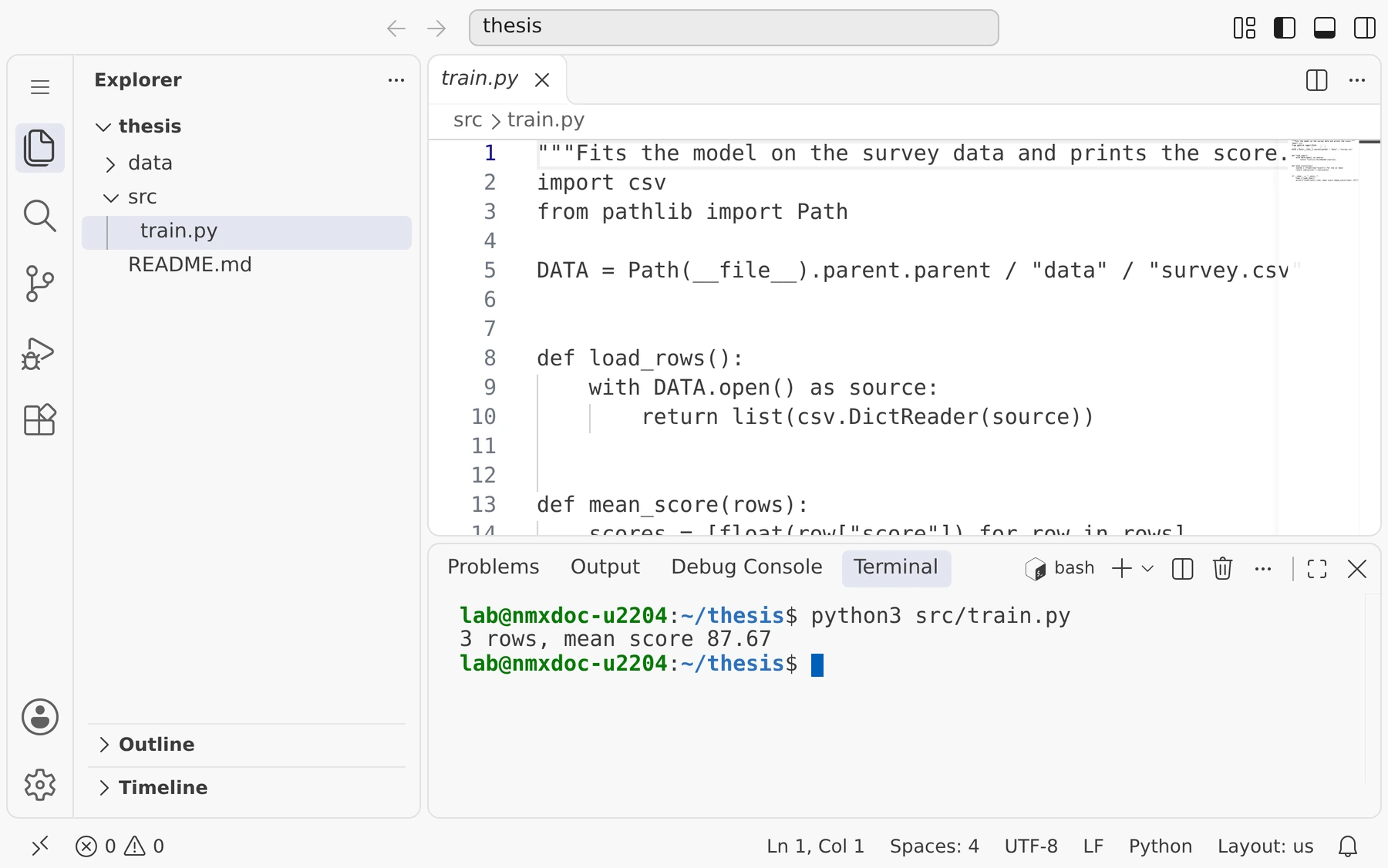
Code, write papers, take notes, use a remote desktop and move files. One click installs an app on your own computer, your phone and laptop open it anytime, and a link shares it with a friend.
Installs on Windows, macOS and Linux. Open source, free, MIT license.
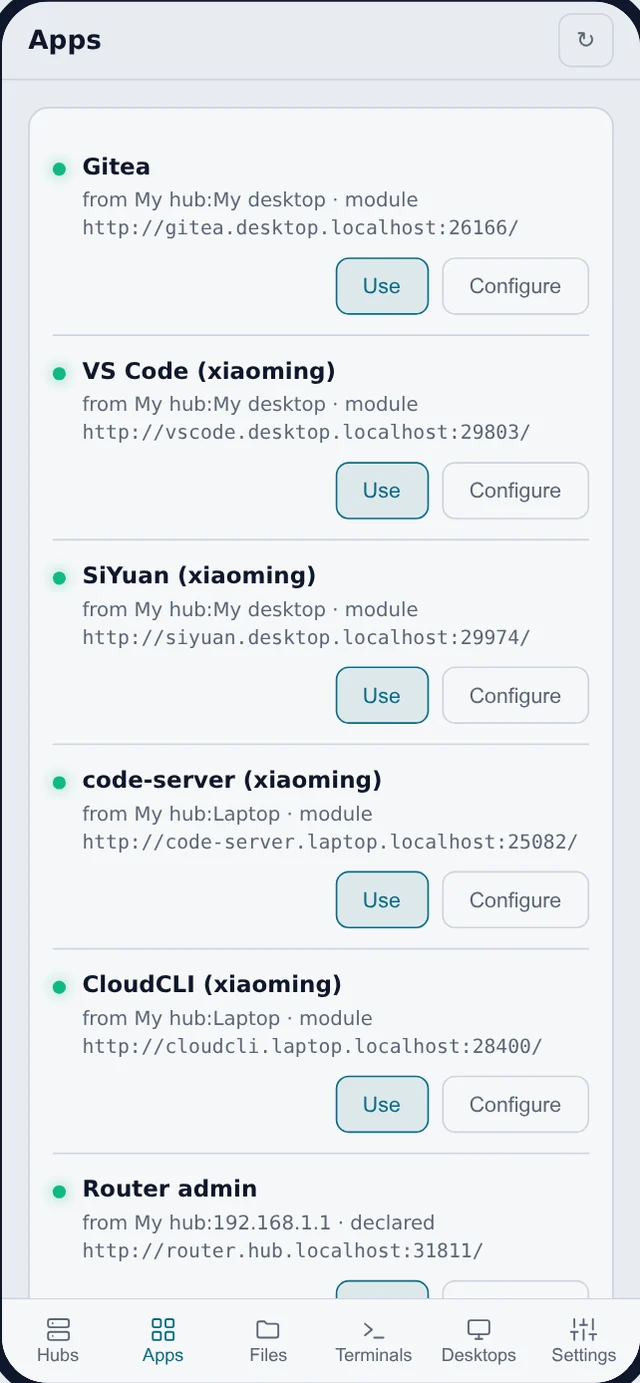
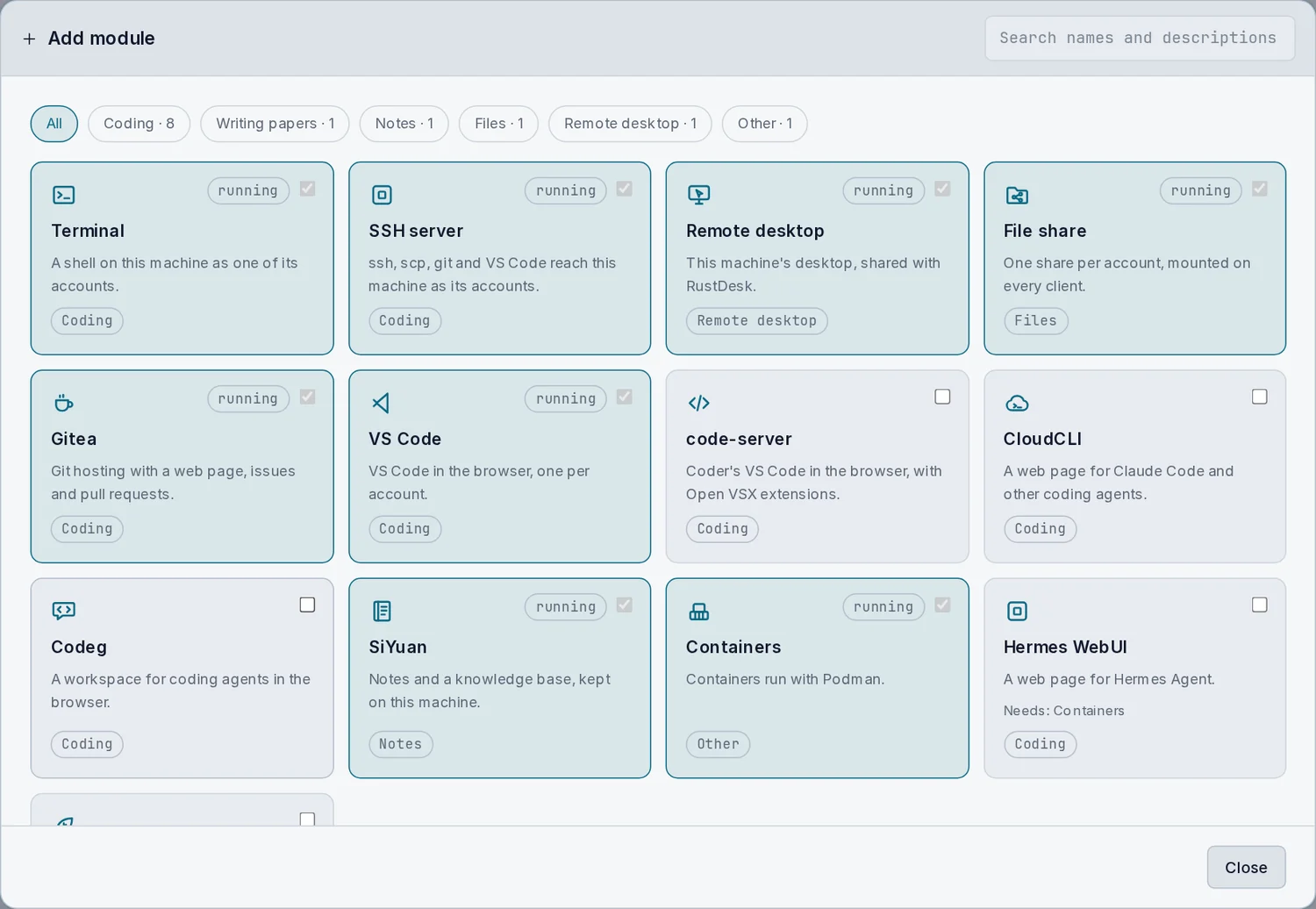
Pick an app and it installs in one click, with no environment to prepare and no system to replace. Containers deploy the same way on Windows, macOS and Linux. Each machine picks a fast and steady one of several download sources.
Apps missing from the list work too: declare a service yourself, with several ports and HTTP entries. Ports a container publishes become apps automatically.
Use it anywhere
Scan a code once with your phone, then open your computer's apps from the subway, a train, in-flight Wi-Fi or another country. Six ways connect the two, and smart routing takes the fastest*.
* You pick NetBird and EasyTier by hand; the rest are automatic. iOS leaves those two out, and you need a US App Store account to install their own apps.
Share with a link
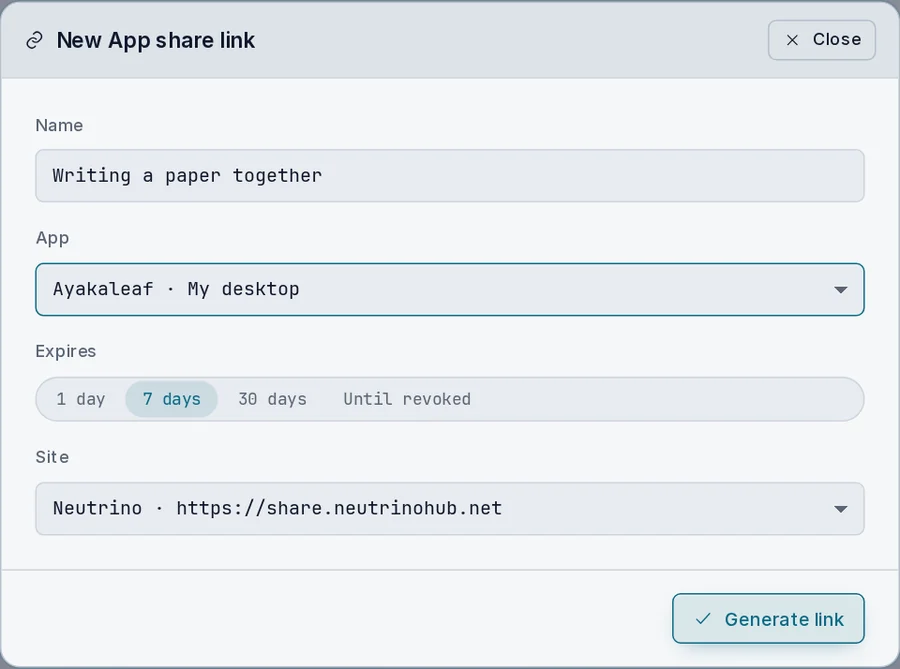
Select Share on any web app to get a link. A friend opens it in a browser with nothing to install. The link expires on its own, and you can revoke it sooner.
Apps, the desktop, terminals, files and SSH. One click installs them, and the client has them ready.
Secure
Encrypted all the way between a device and the hub, and third-party lines cannot read it. Neutrino's service port strictly guards every app. Only people you approve get in.
Yours
No server, domain or special hardware to buy. Neutrino runs no public server, and a share connects only to your hub.
Free
Manage several computers, wake them over the LAN, connect worldwide, with no limit on users or traffic. All free.
Neutrino Hub
1Panel
Cosmos
Olares
Tailscale
ToDesk
fnOS
Complete
OS support
All three
Linux only
Linux only
Its own OS
All three
All three
Its own OS
Client support
All platforms
Web; phone in the Pro plan
Web; phone in the paid plan
All platforms
All platforms
All platforms
Phone and web
One-click apps
Yes
Yes
Yes
Yes
No
No
Yes
Containers
All three
Linux only
Linux only
Its own OS
No
No
Its own OS
Open apps from outside
Ready
Open a port
Open a port
Yes
DIY
No
Partly
Remote desktop
Ready
No
DIY
DIY
DIY
Yes
DIY
Terminal
Ready
Yes
Containers only
Yes
DIY
Yes
Turn it on
Mounted drive
Ready
Web only
Paid plan
LAN only
Transfer only
Transfer only
Yes
SSH/SFTP
Ready
Open a port
Open a port
Yes
Yes
No
Turn it on
App sharing
One link
No
Needs a domain
Files only
Yes
Needs an install
Files only
Secure
Encrypted transport
Yes
DIY
Needs a domain
Yes
Yes
Yes
Not stated
Fingerprint on a scan
None
Yes
Yes
Yes
None
None
Yes
Yours
Where it installs
A computer you own
Linux server
Linux server
Bare metal
A computer you own
A computer you own
Replaces the OS
Ways back to the computer
6
Open a port
Open a port
3
1
1
2
Relies on vendor servers
No
No
No
For remote access
Yes
Yes
For remote access
What you can share
One app
Nothing
One app
Files
One service
The whole desktop
Files and photos
Free
Paid tier
None
Yes
Yes
Yes
Yes
Yes
Yes
Several computers
Free
¥1500 per set
$99/year
One
Free
Free
One
Global access
Free
Open a port
Open a port
$19.8/month
Free
¥66/month
Paid extra
Bandwidth
Unlimited
Unlimited
Unlimited
5 Mbps
Unlimited
4 Mbps
2 Mbps
Open source
Yes
Yes
Restricted
Yes
Partly
Closed
Closed
Prices and limits come from each vendor's page on 2026-10-30. Third-party services set their own bandwidth and account rules.