English
What Neutrino Hub is
Neutrino Hub is an open source, self-hosted panel for deploying apps, with routing for access from outside your network. You install it on your own Windows, macOS or Linux computer, without a domain or an extra server.
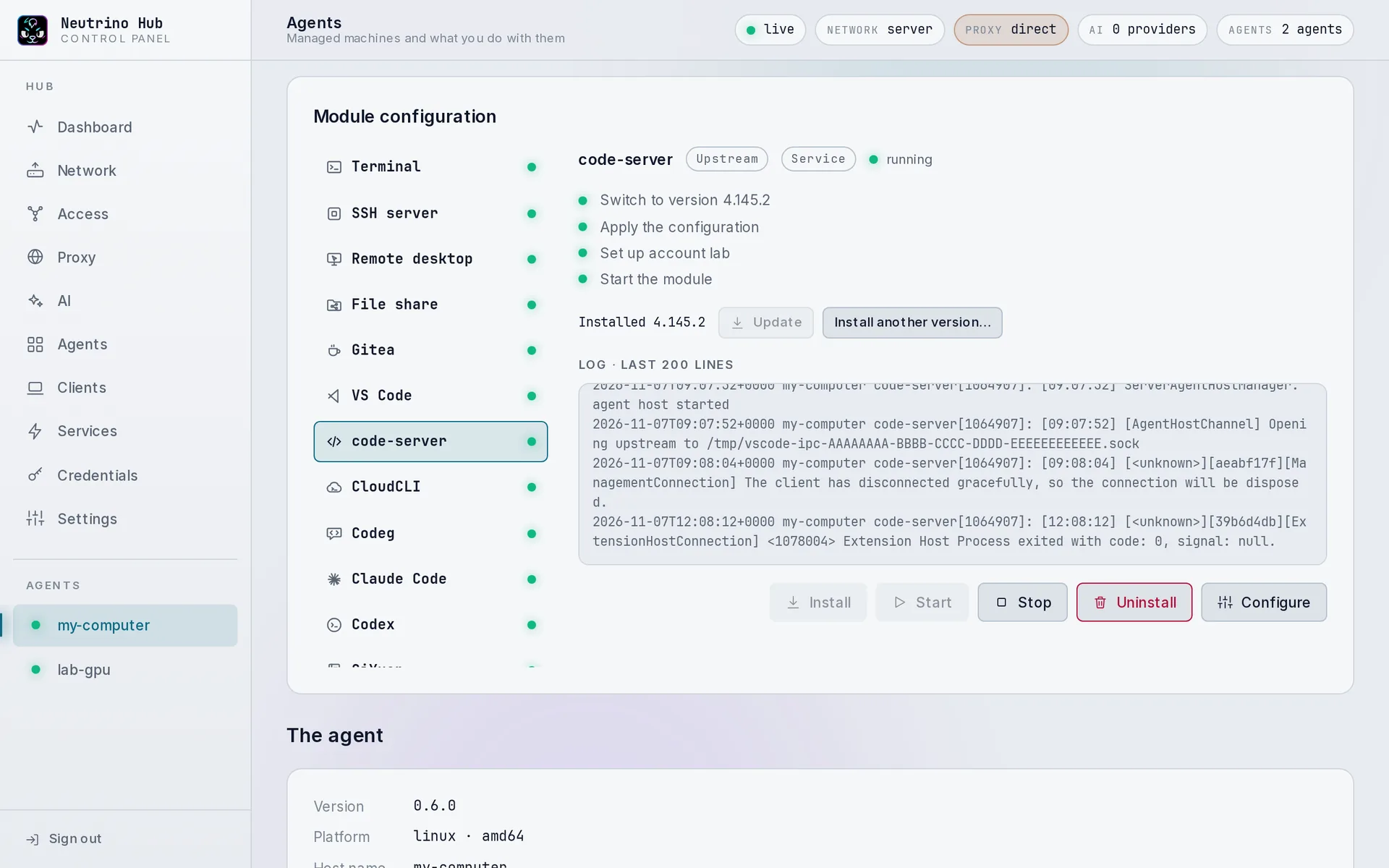
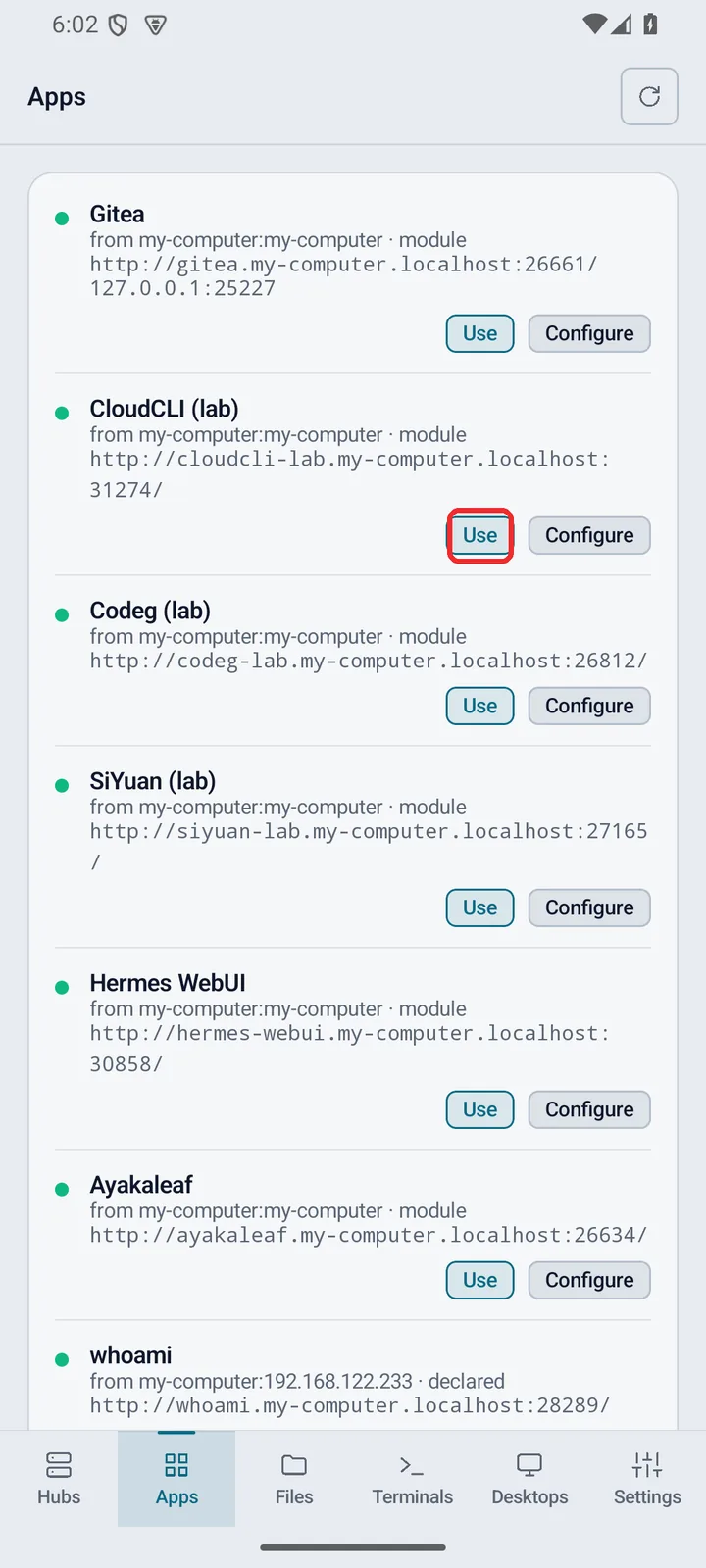
In the web panel, you deploy apps to the systems that joined the hub. You then use those apps from a phone, another computer or a browser.
The hub serves the web panel and listens on one connection port, 8443 by default. Each system that joined the hub runs an agent, which installs and runs apps. After you install the client on your phone or computer, every client connection goes through this port. The Noise protocol encrypts it, and the hub forwards it to the app when the device has permission.
For each step of a connection, see How it works. For the protections, see Security model.
The problem it solves
Development tools, paper editors and note apps usually run on one computer. To keep using them from a phone or to share them, you usually set up a runtime environment and open ports. You also buy a domain and a server, and handle security yourself.
Neutrino Hub does these jobs from one panel: it deploys apps, connects your phone with one scan, and shares an app through a link. Devices join through one-time links that you generate, and these links replace an account system or single sign-on. Devices and visitors connect only to your own hub, and Neutrino Hub runs no public server.
Core concepts
| Concept | What it is |
|---|---|
| Hub | The main program installed on your computer. It runs the panel, stores credentials, checks permissions and forwards every connection. The computer with the hub is also the first system. |
| System | A computer that joined the hub. The system runs an agent, and the agent starts the connection to the hub, so this computer does not open a port for it. |
| App | Software deployed on a system, which the panel calls a module. It can be an app from the catalog that installs in one step, or a service or container you declare. |
| Client | The program you use to connect to the hub: the desktop client (Windows, macOS, Linux) and the phone app (Android, iOS). It lists the apps you have permission to use and opens a local address that forwards to each one. |
| Access method | A way to connect to the hub when you are not on its LAN: NetBird, EasyTier, SSH relay, Direct, SakuraFrp or OpenFrp. You can turn on several at the same time, and the client uses the first one that connects. |
| App share | The feature that shares one web app with another person through a link. The other person opens the link in a browser and installs nothing. |
Responsibilities
| Neutrino Hub handles | You handle |
|---|---|
| Downloading apps, verifying their checksums, and installing and running them | Providing a computer that stays on |
| Encrypting every connection and letting it through by permission | Deciding who receives your join links and share links |
| Showing each app's status and logs in the panel | Keeping your vault passphrase safe and downloading backups regularly |
| Picking fast, stable download sources and connection routes automatically | Choosing an access method and preparing the account, VPS or router settings it needs |
| Disconnecting a share when it expires or you revoke it | Managing each app's own accounts, data and versions |
Related pages
| What you want to do | Page |
|---|---|
| Get started | Quick start |
| Learn how a connection works | How it works |
| Learn about the protections | Security model |
| See where data is stored and which outside addresses the hub connects to | Data and outbound connections |
| Compare with 1Panel, Tailscale and similar tools | Comparison with other tools |
| Upgrade from 0.5 | Upgrade from 0.5 |